Say what you want to learn. The fretboard shows it.
A guitar workstation for Mac and iPad. Say what you want to learn in plain language and see it on a neck you can tap to hear. Play a chord and Fretling names it. Then plug in through a Neural Amp Modeler amp, with a looper over the same neck.
Coming soon to the App Store — Mac and iPad Get Fretling on the App Store Tell me when it ships Read the user guide The app is built, and the guide describes the shipping build. Until the listing opens, the neck below is the real interface, running here.
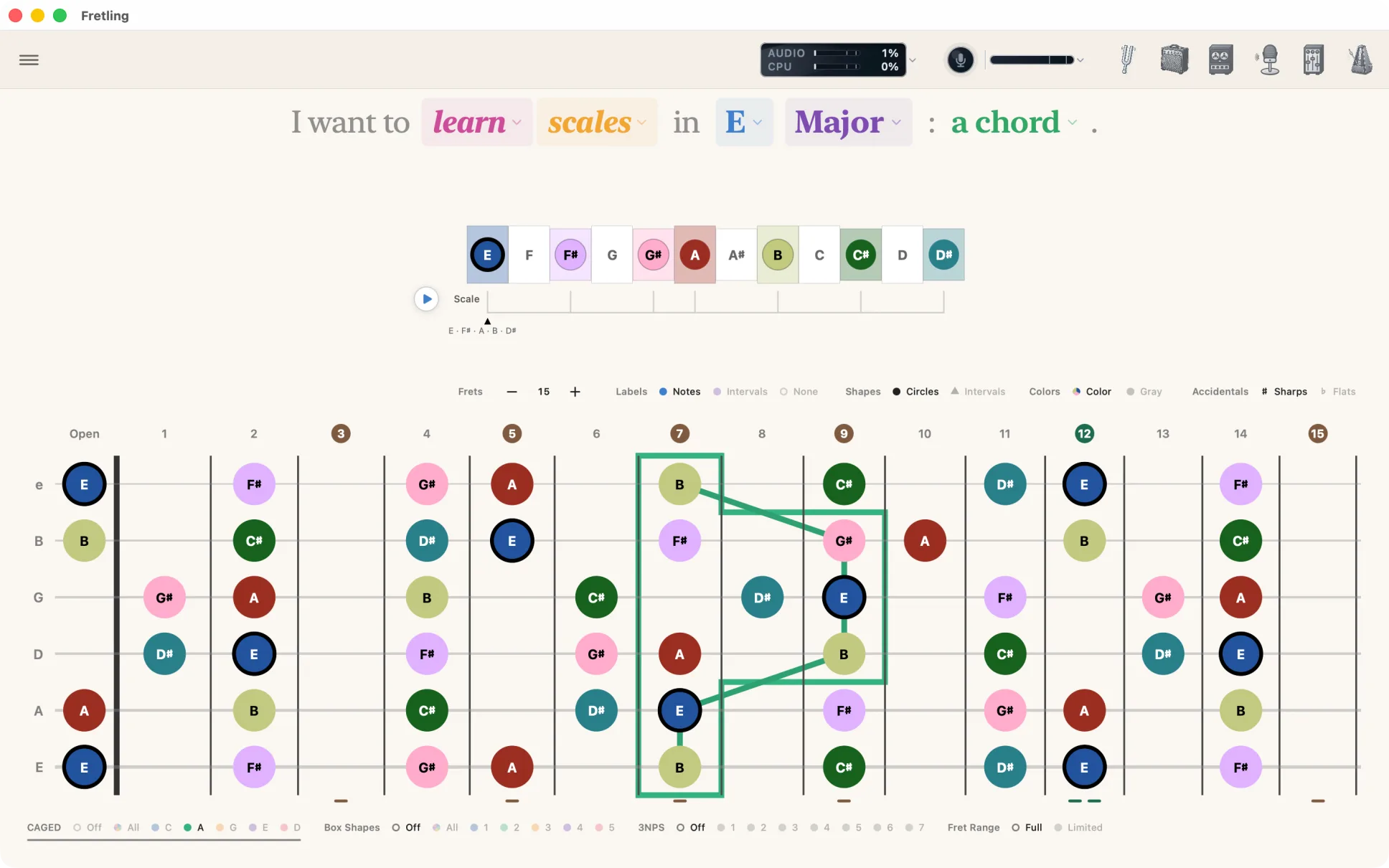
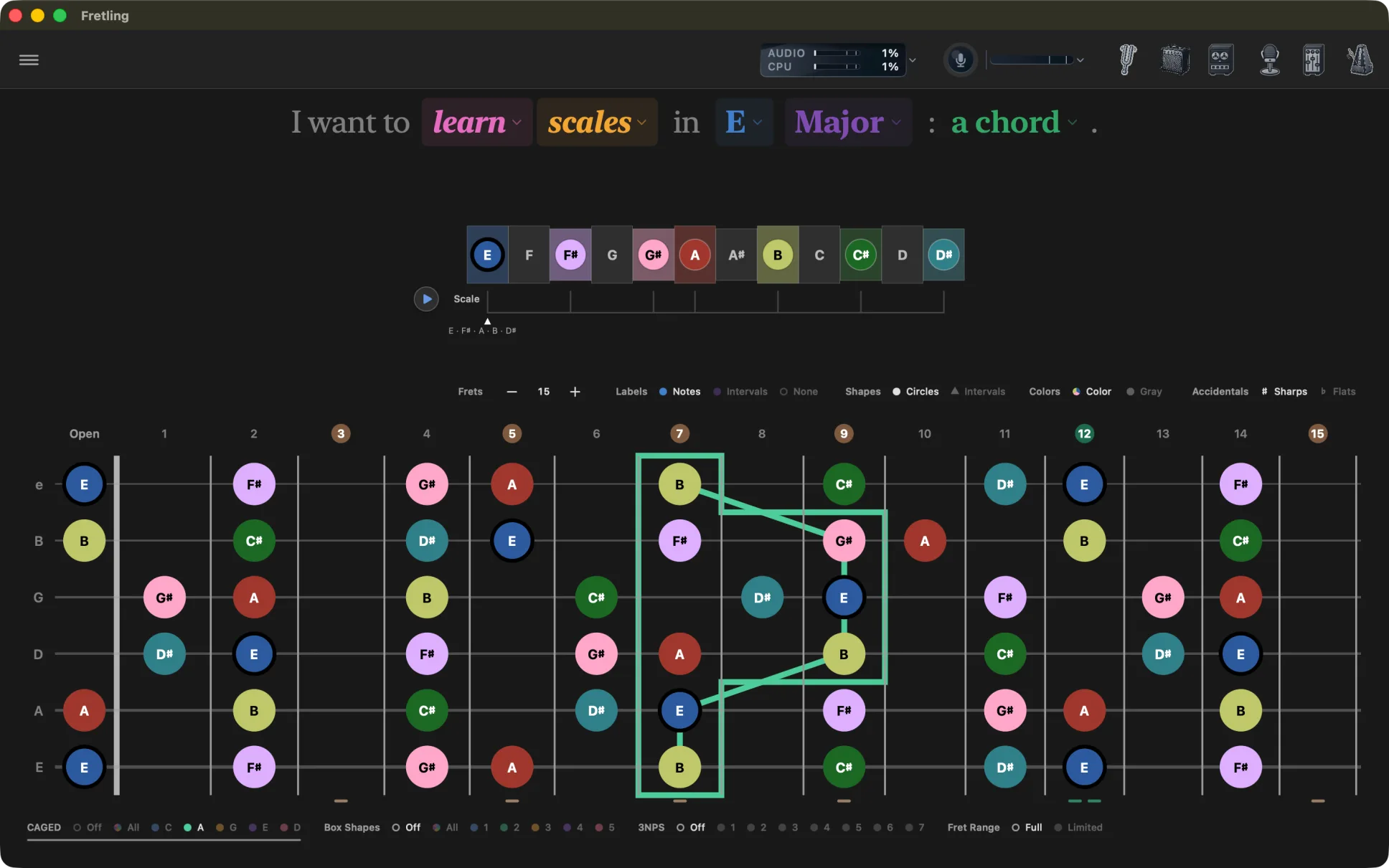
In the app a second chip bar sits here, laying CAGED shapes, five position boxes or three-notes-per-string patterns over the neck you are looking at. See the overlays
Say it in plain language
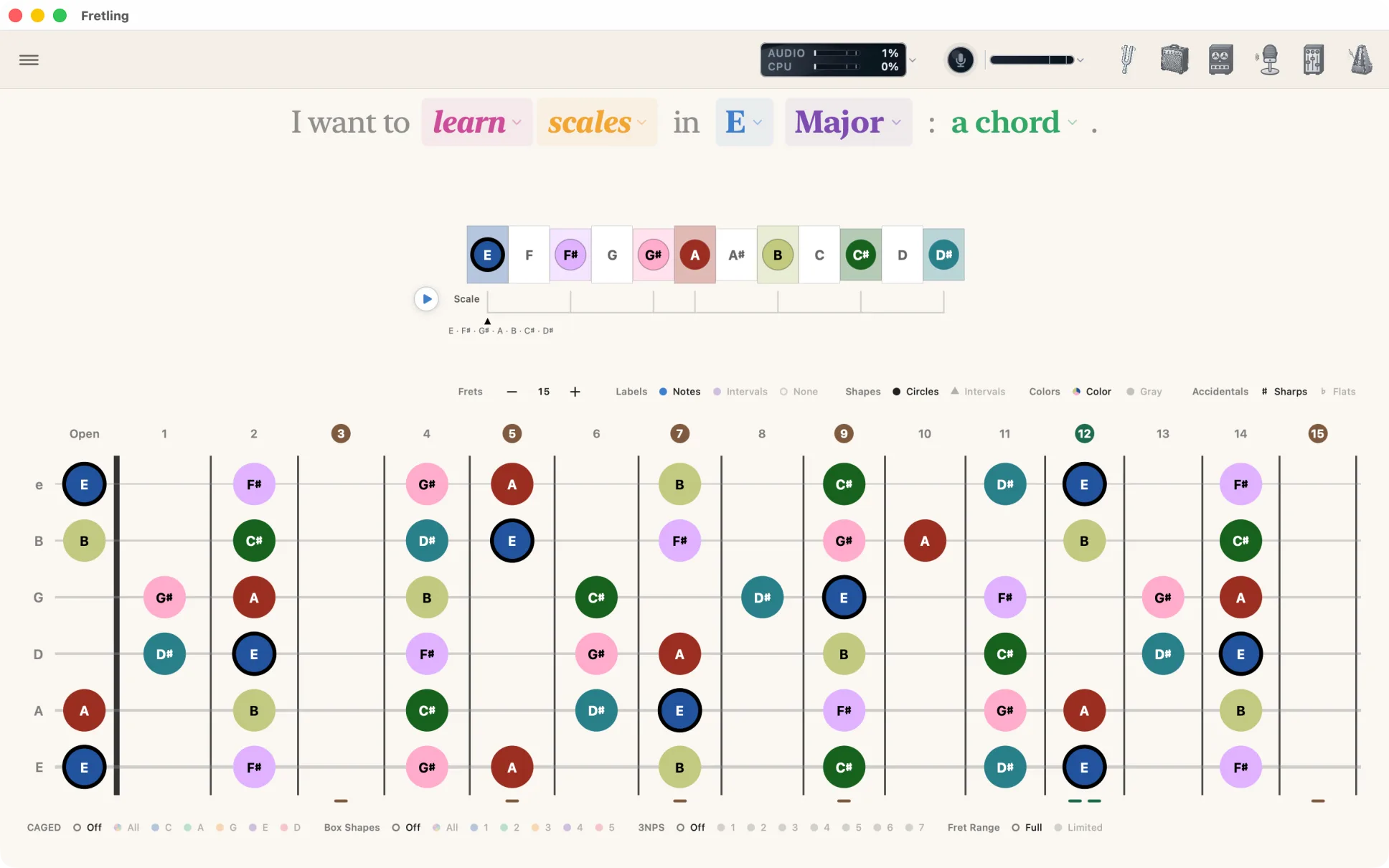
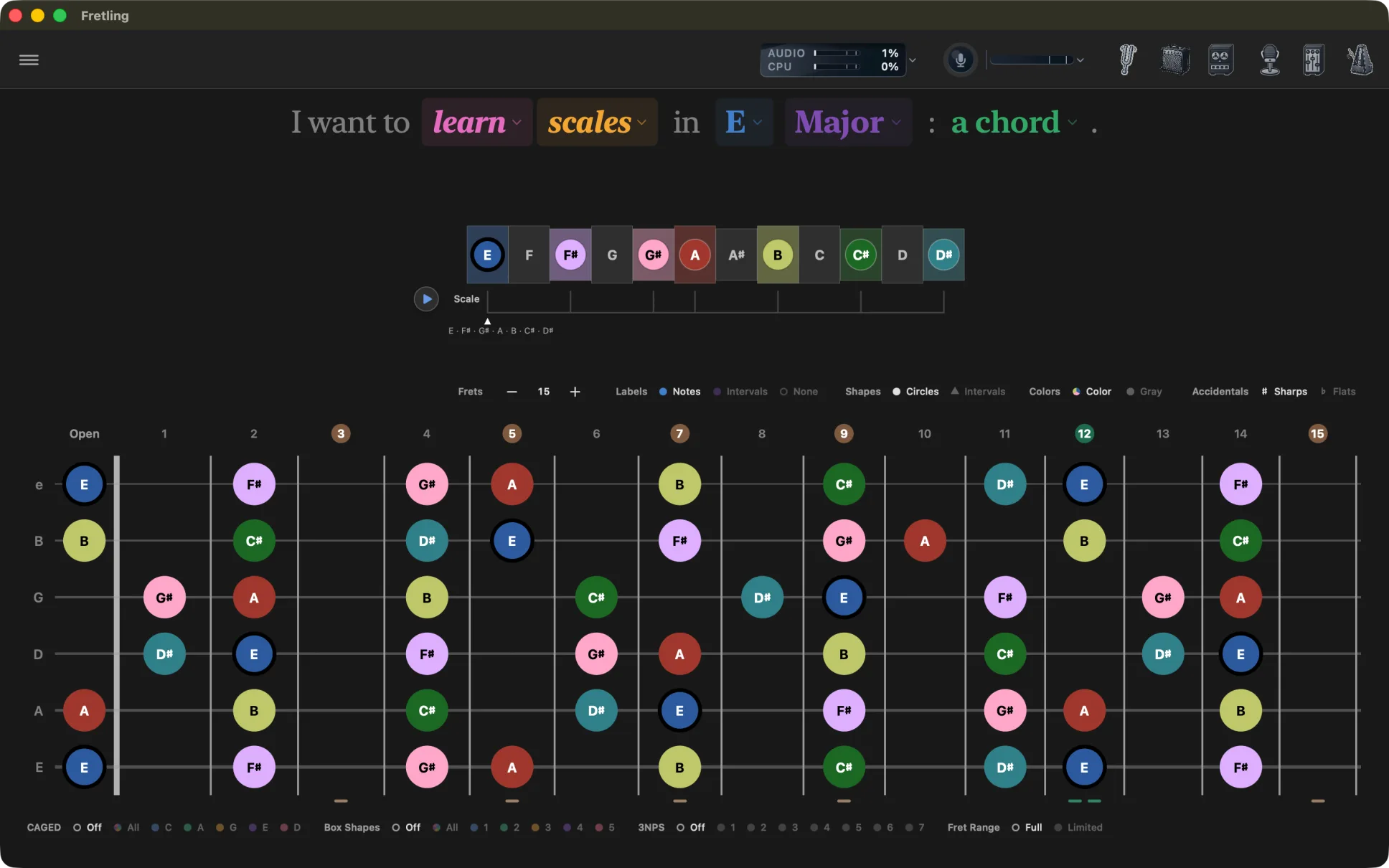
One sentence runs across the top of the screen, and every colored word in it is a dropdown. Change a word and the neck redraws.
- Learn or identify — the intent you are in.
- Scales, chords or triads — what you are looking at.
- Any root, and twelve scales, four triad types, or the chords of the key.
There is no theory jargon at the front door. Major, Minor and both Pentatonics lead the scale menu. More scales holds Blues, which is free too, and seven advanced scales that need the unlock. Pro


Every intent, every mode
The sentence opens with what you want to do, then what you want to do it with. This is the whole tree, including the branches still in testing.
- I want to
- learn
- scalestwelve scales, with CAGED, Box Shapes and 3NPS over the top
- chordsthe chords of a key, real fingerings and the Chord Atlas
- triadsfour types, one string set at a time
- progressions (in testing)build a progression and play it in time
- arpeggios (in testing)chord arpeggios and broken intervals, graded as you play
- identify
- a chordfrom notes you tap or play, in a key or without one
- pivot (in testing)
- on a noteevery chord that holds it, and the note's role in each
- improvise (in testing)
- over a progressionthe scale to solo with, then chord tones, guide tones and the changes
- learn
Dashed: built, and in testing now. What is coming next
See the whole neck
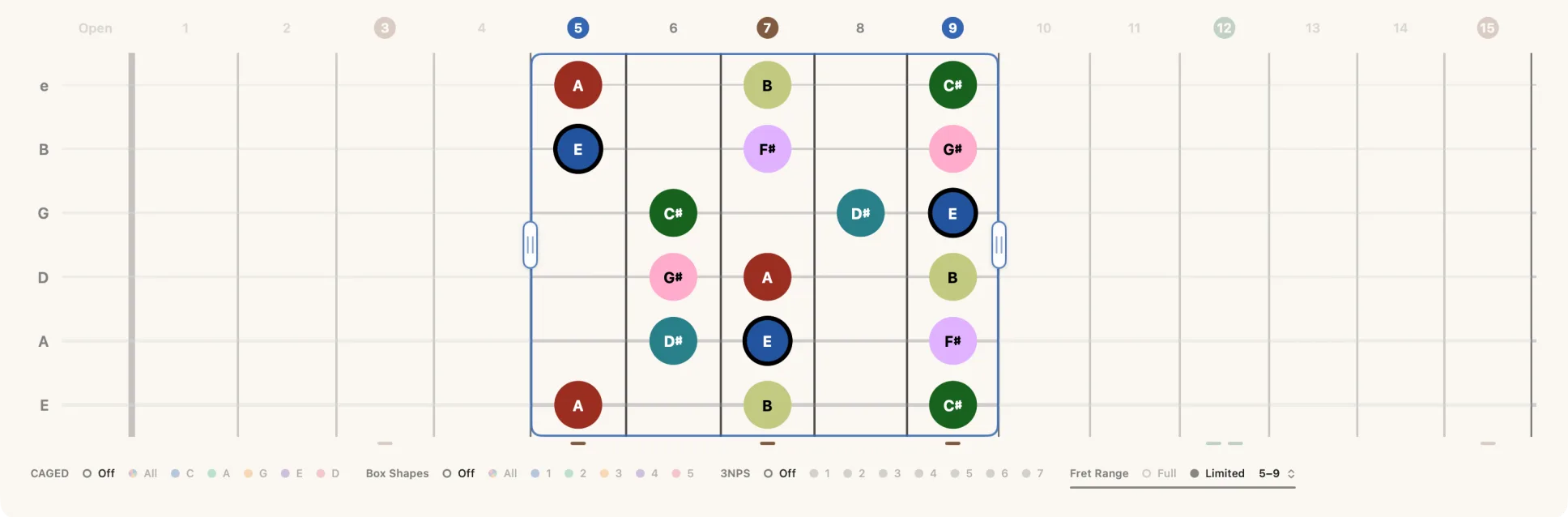
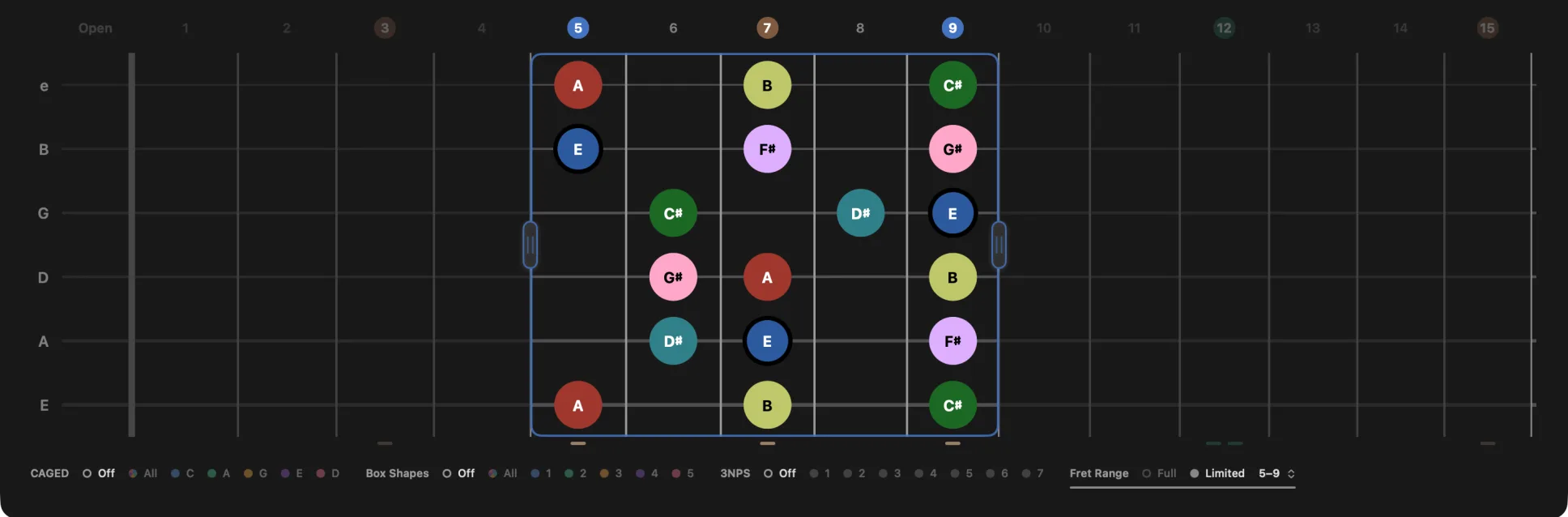
A scale is drawn across every string and every fret at once, not one box at a time. Chords arrive with real fingerings from a built-in database. Triads are grouped by string set, so you can walk one shape up the neck.
Below the neck sit the overlays: CAGED, Box Shapes and 3NPS. Switch one on and it draws over what is already there. CAGED grips follow the chord, so a major chord gets major grips and a minor chord gets minor ones.
Think in intervals
One color per interval, everywhere in the app: the same pitch is the same color on the neck, on the timeline and in the Chord Atlas. Hue advances a fixed step per semitone, and three lightness bands keep neighbors apart for a reader who cannot separate red from green.
- RootUnison
- Minor 3rdThree semitones
- Major 3rdFour semitones
- Perfect 5thSeven semitones
- Minor 7thTen semitones
- Major 7thEleven semitones
Shapes = Intervals gives every degree its own outline as well as its own color, so the neck still reads when you switch color off. More about the fretboard
Play it, name it
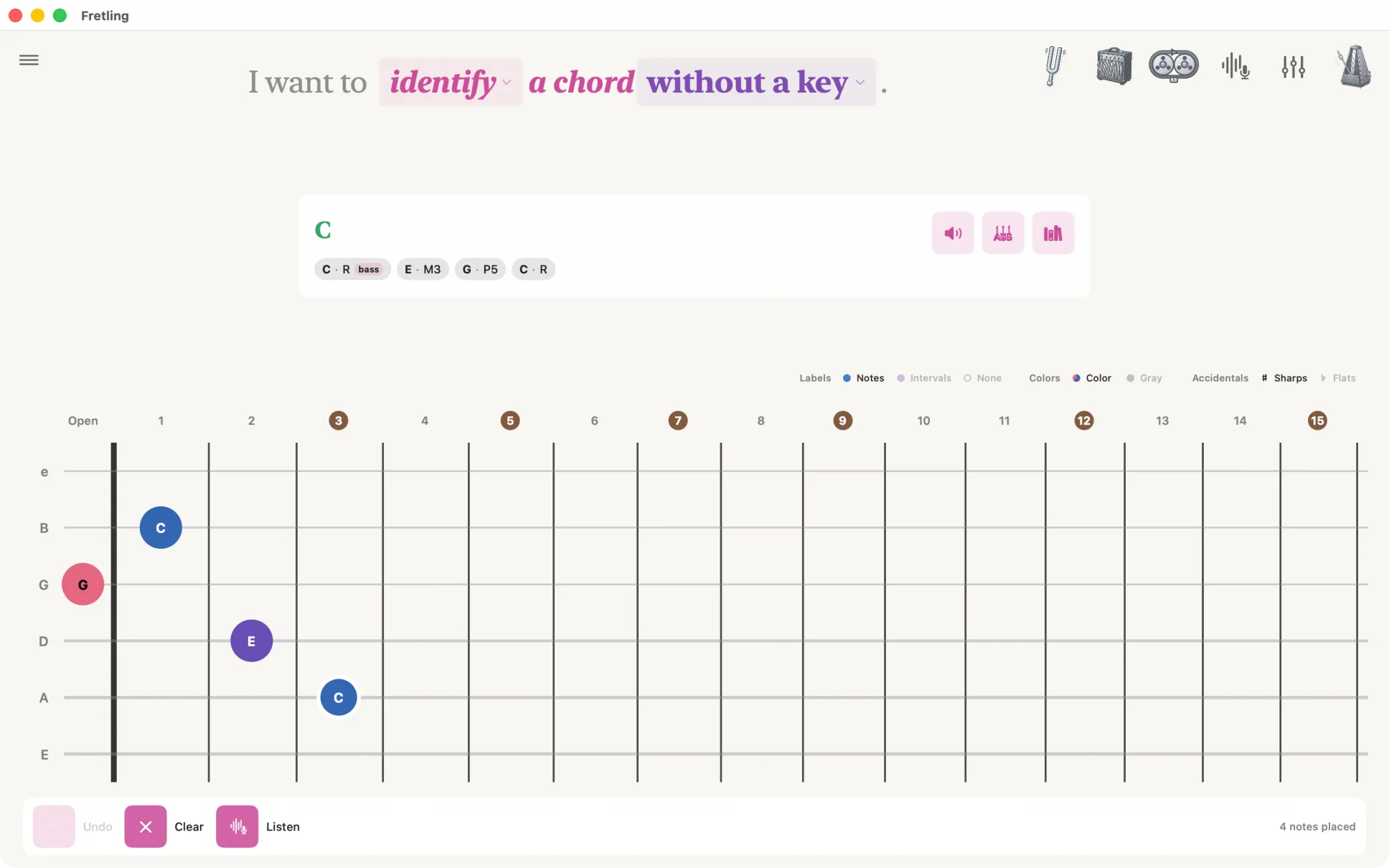
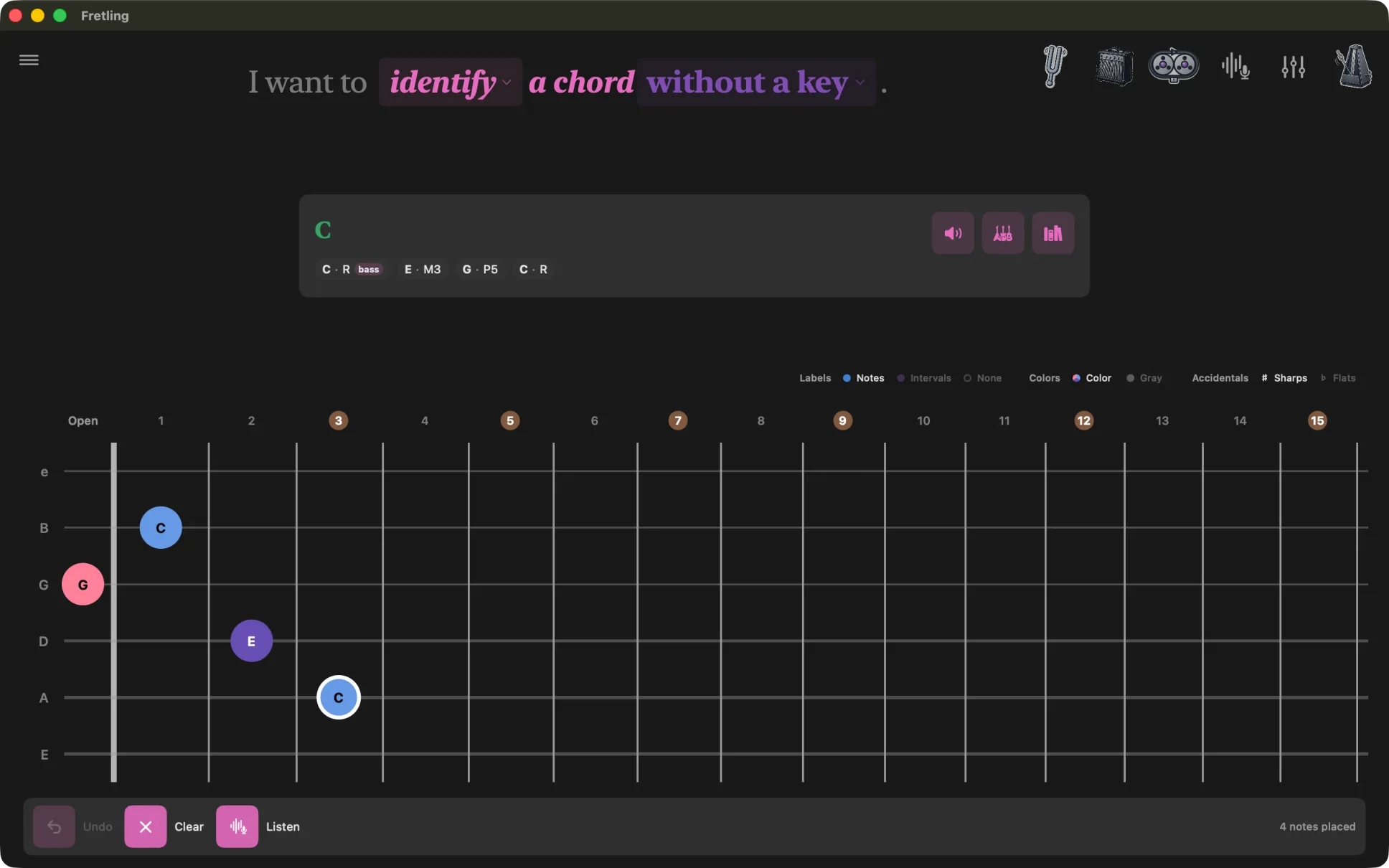
Tap the notes you are fingering onto the neck and Fretling names the chord, gives its Roman numeral in your key, says why, and lists the alternate readings underneath. The spelling strip shows every note in the chord, with the lowest badged as the bass.
Or play it, and let Fretling listen instead. Pro
Every chord, in context
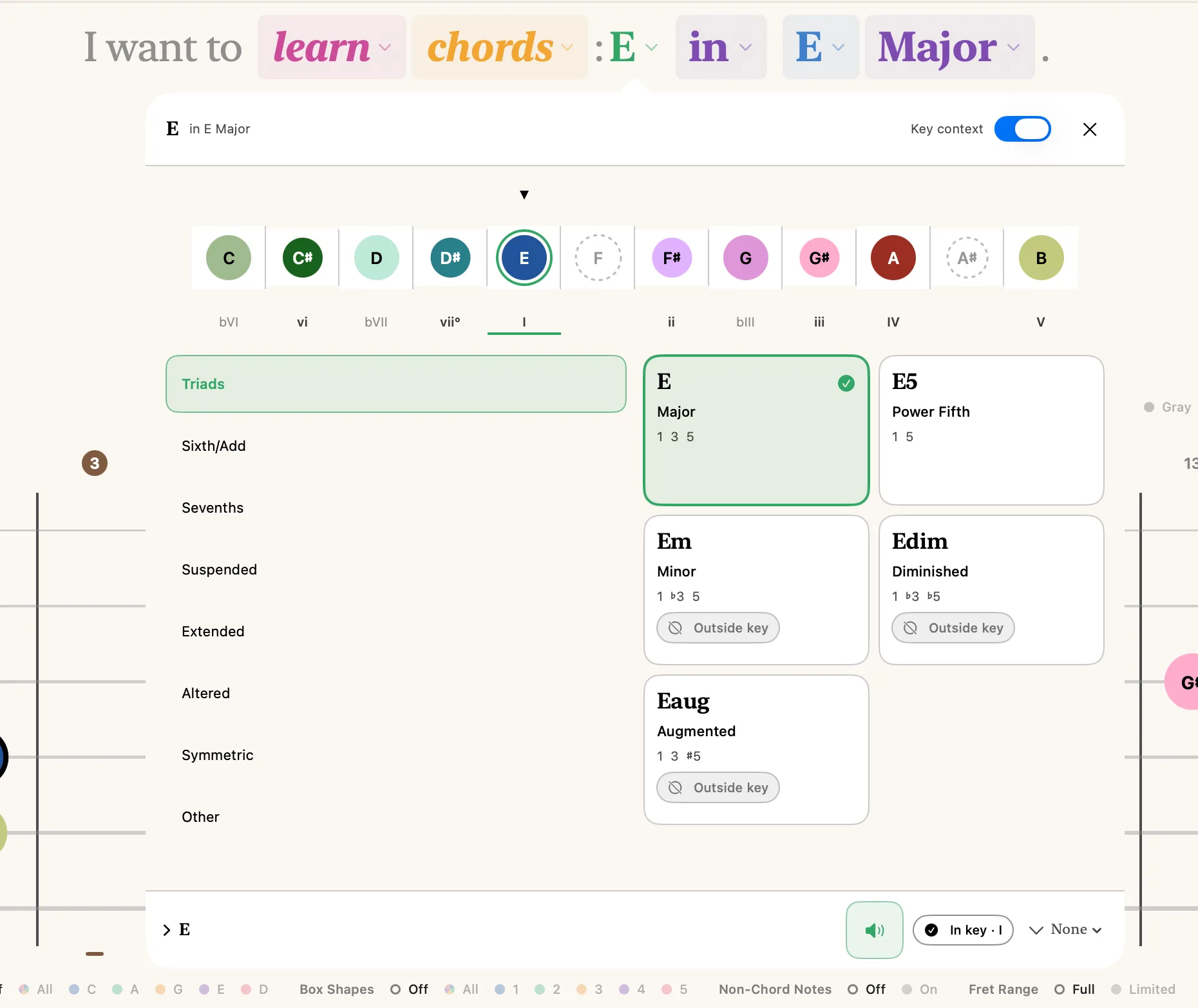
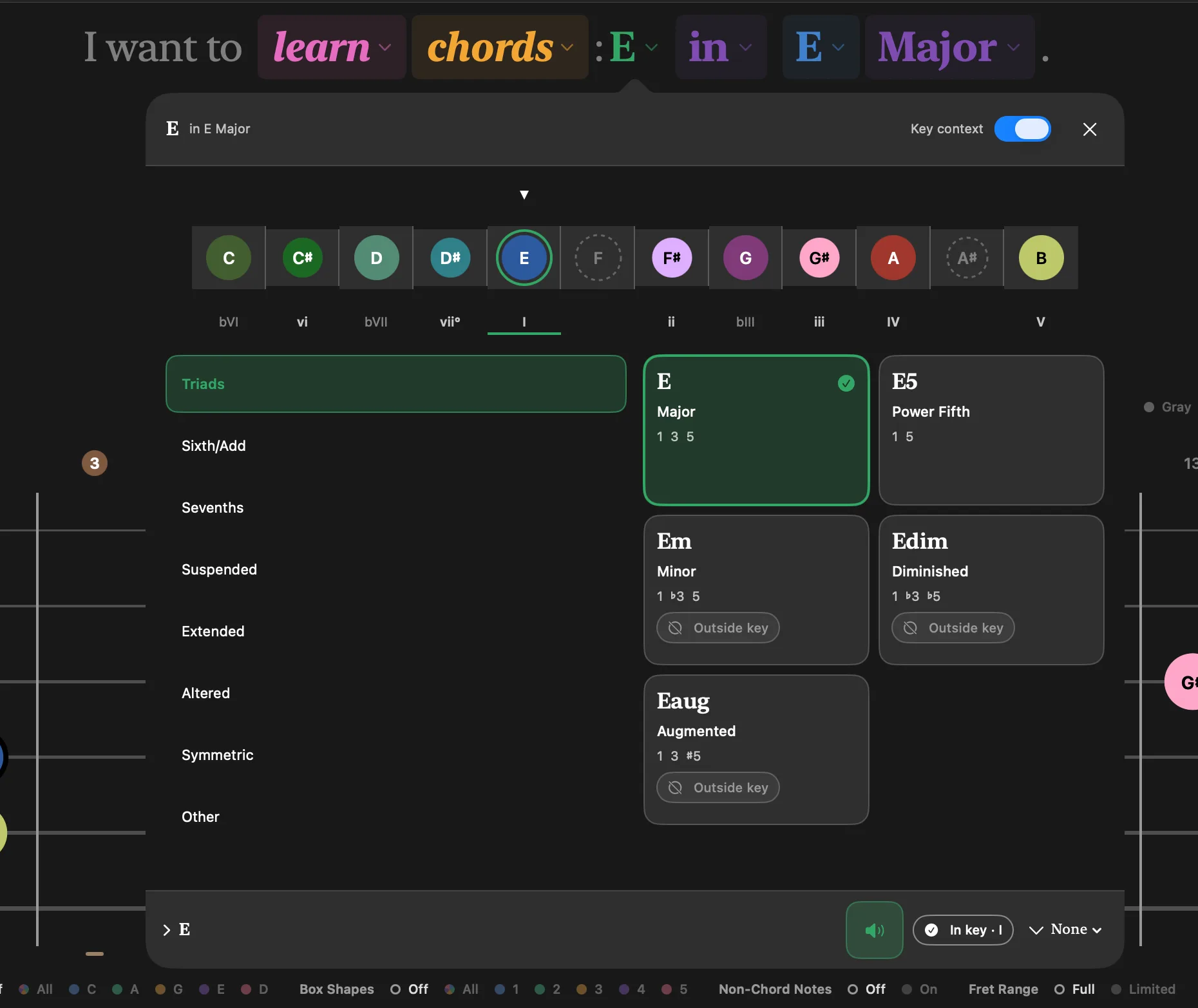
The Chord Atlas opens from the header. Pick a root, pick a quality, hear it before you commit, and watch it land on the neck.
The Atlas knows the key you are in. It marks each chord with its Roman numeral, and when you pick one from outside the key it says where the chord was borrowed from, rather than leaving you to work out why something that is not in the key still sounds right.
Free, in every mode. More about the Chord Atlas
Hear what you see
Every marker is a button. Tap it to hear that note; press and hold to sustain it. On iPad you can hold several at once and slide along a string.
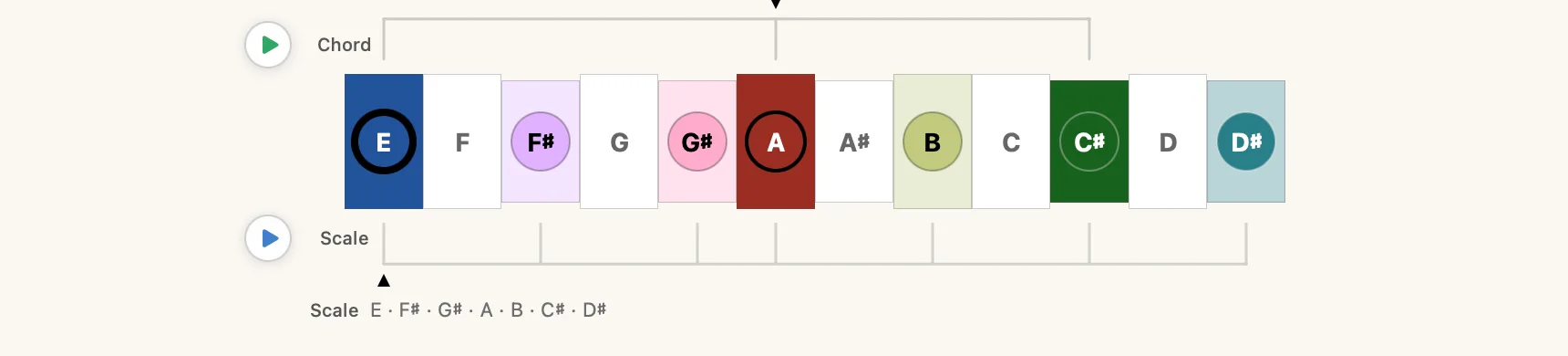
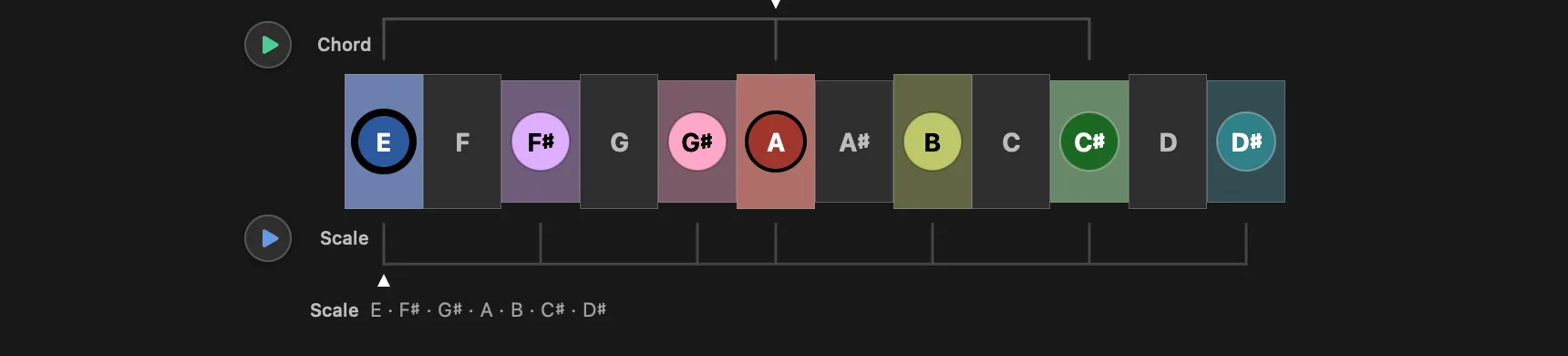
The scale timeline under the neck lays the key out left to right. Press the transport at the head of a rail to run the scale, or to sustain the chord, and the line beneath spells out what you are about to hear.
The voices are instruments, not beeps: a sampled grand piano, four guitars modeled string by string — nylon, steel, jazz and clean electric — and a sine wave when you want the pitch and nothing else. Chords can stack up to three pad voices on top. How the guitars work
Plug in your guitar Pro
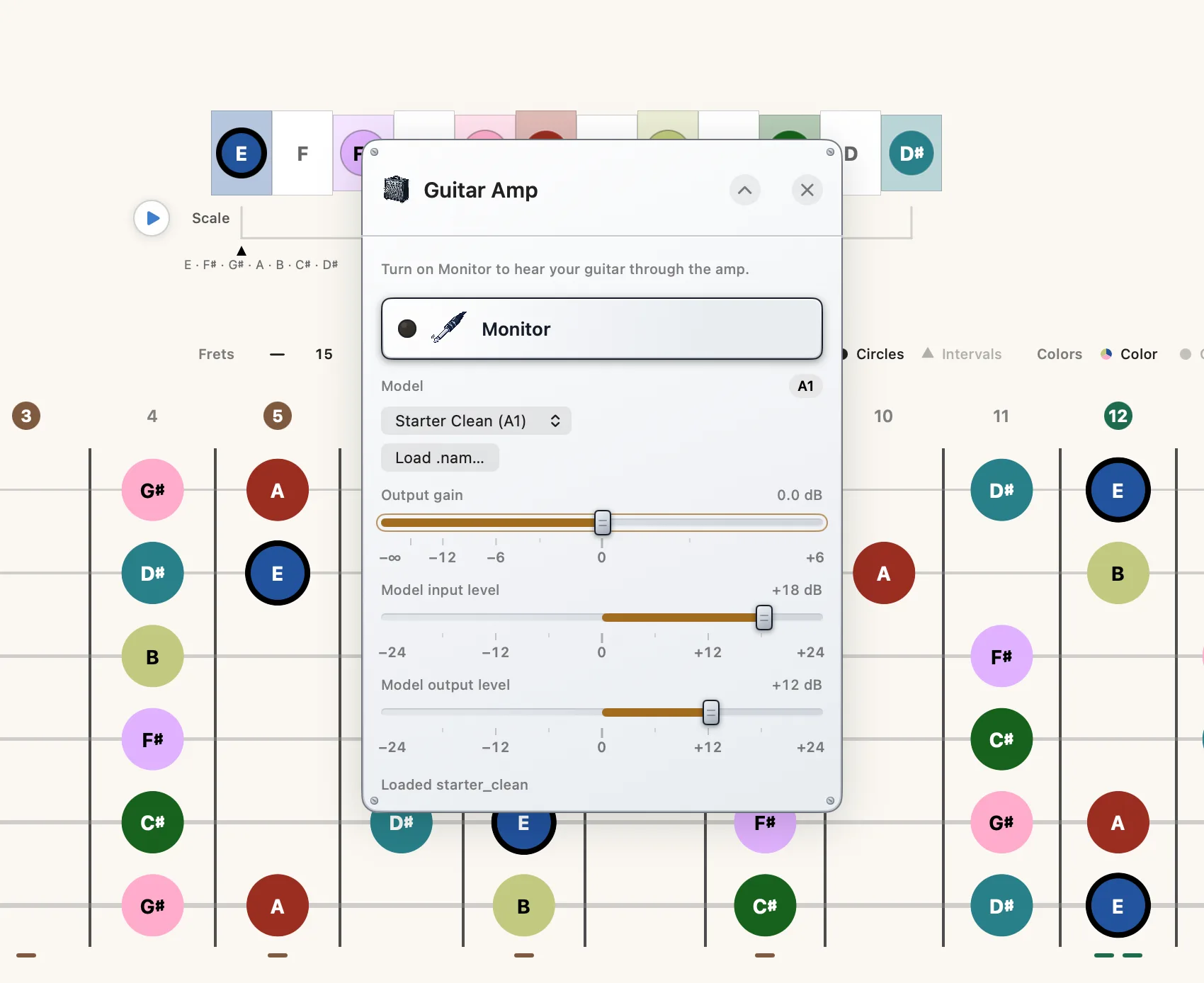
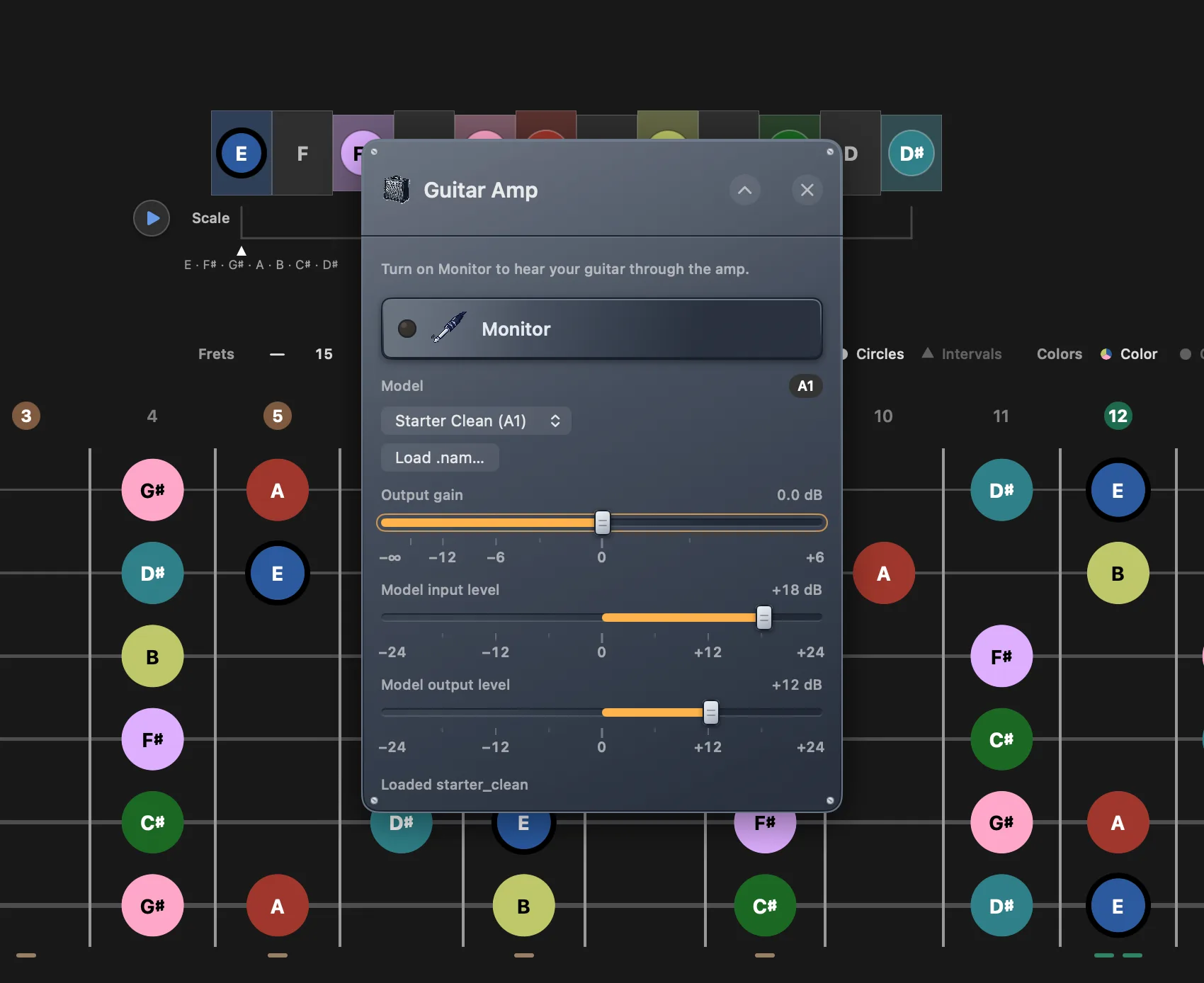
Monitor your own playing through a Neural Amp Modeler profile. Five models are built in (two clean, crunch, warm and acoustic), and you can load any .nam file you already own.
One input console serves the amp, the tuner and Live Detect together: interface, channel, gain, buffer size and sample rate in one place, with the round-trip latency shown in milliseconds.
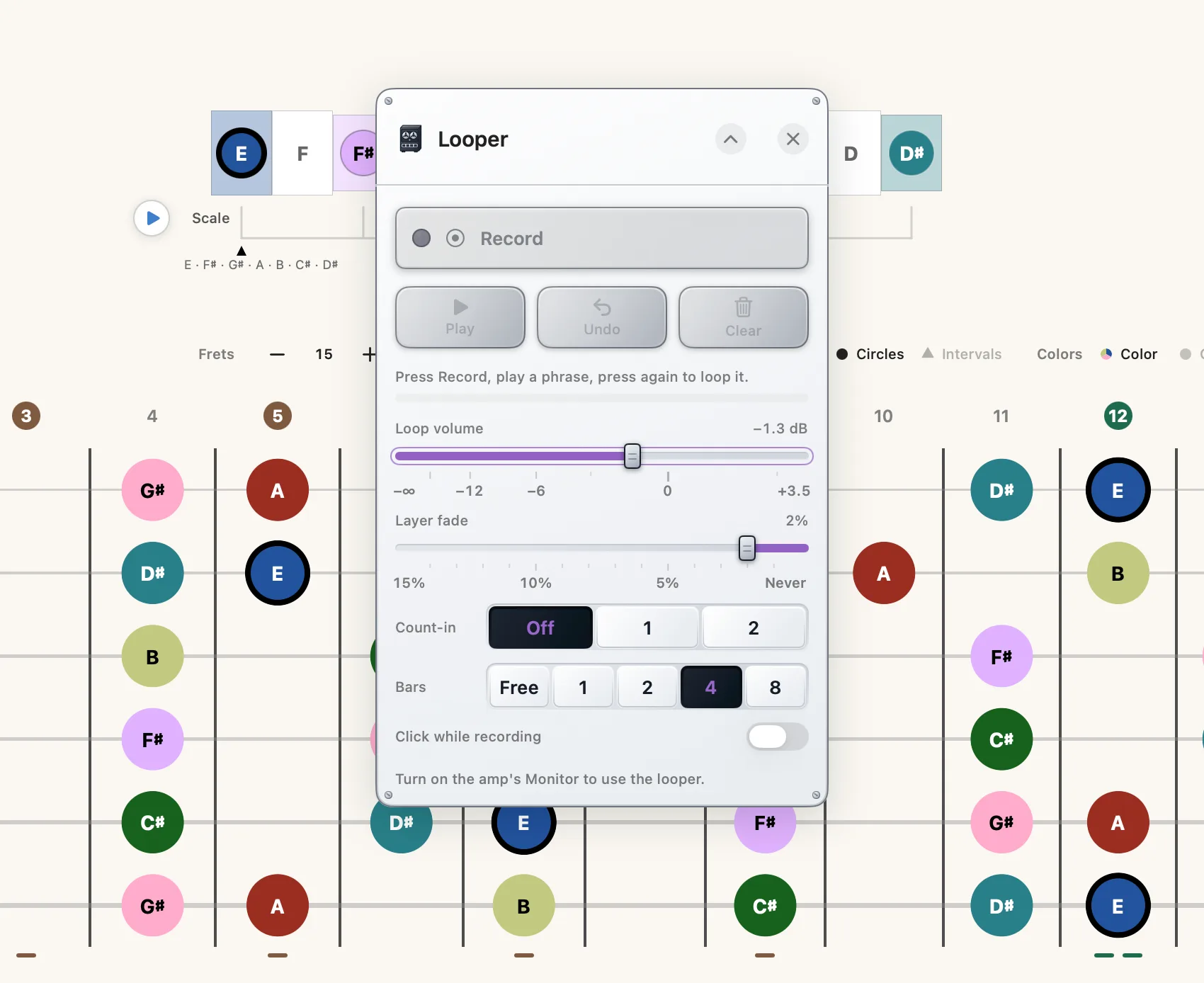
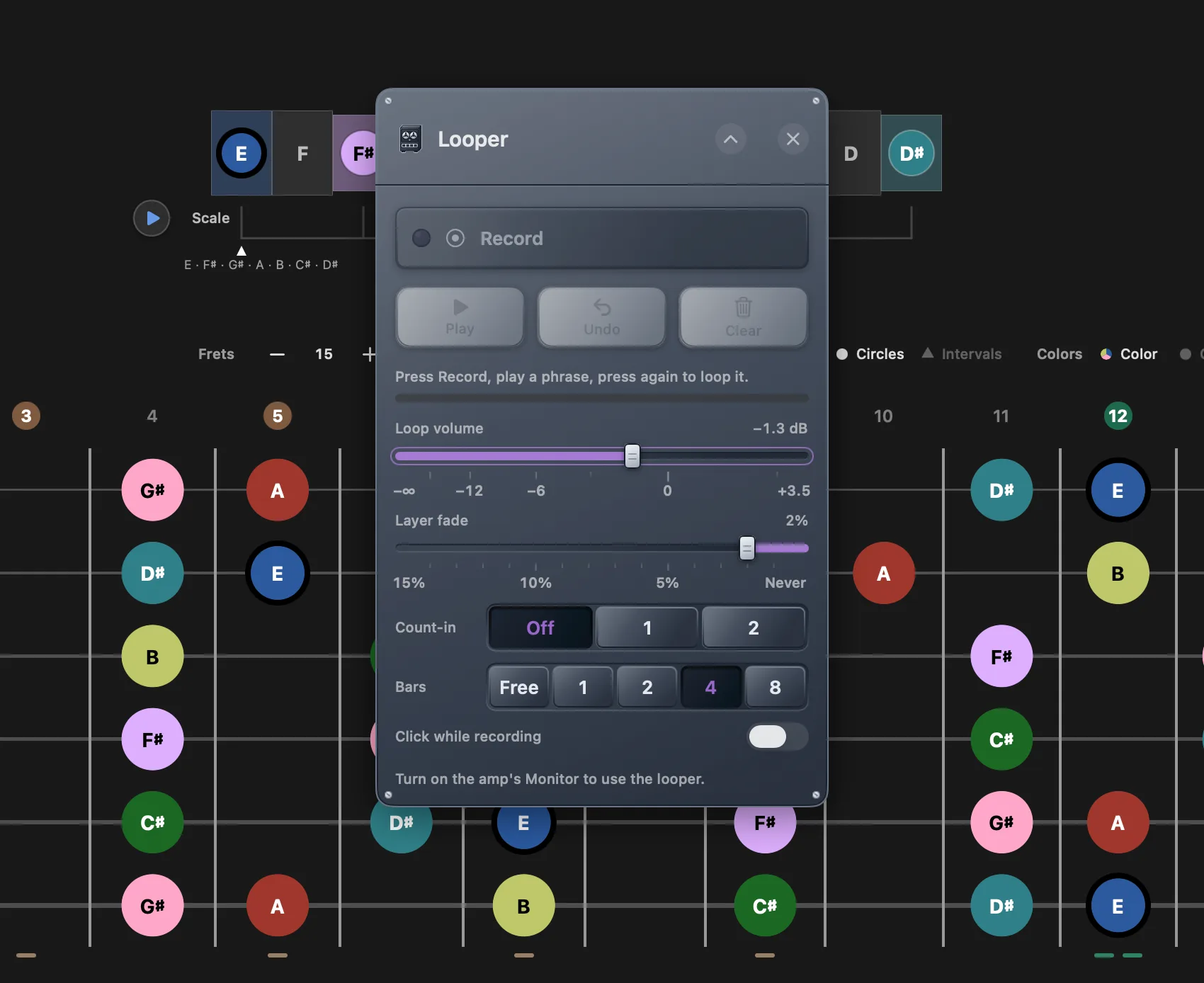
The looper records what you play over the click, with bars, count-in, overdubs and undo, so a progression you are working on becomes something to solo over.
On iPad, use a USB-C interface or headphones. Monitoring through the built-in speaker feeds straight back into the microphone, and the amp says so rather than letting it howl.
Practice tools, built like gear
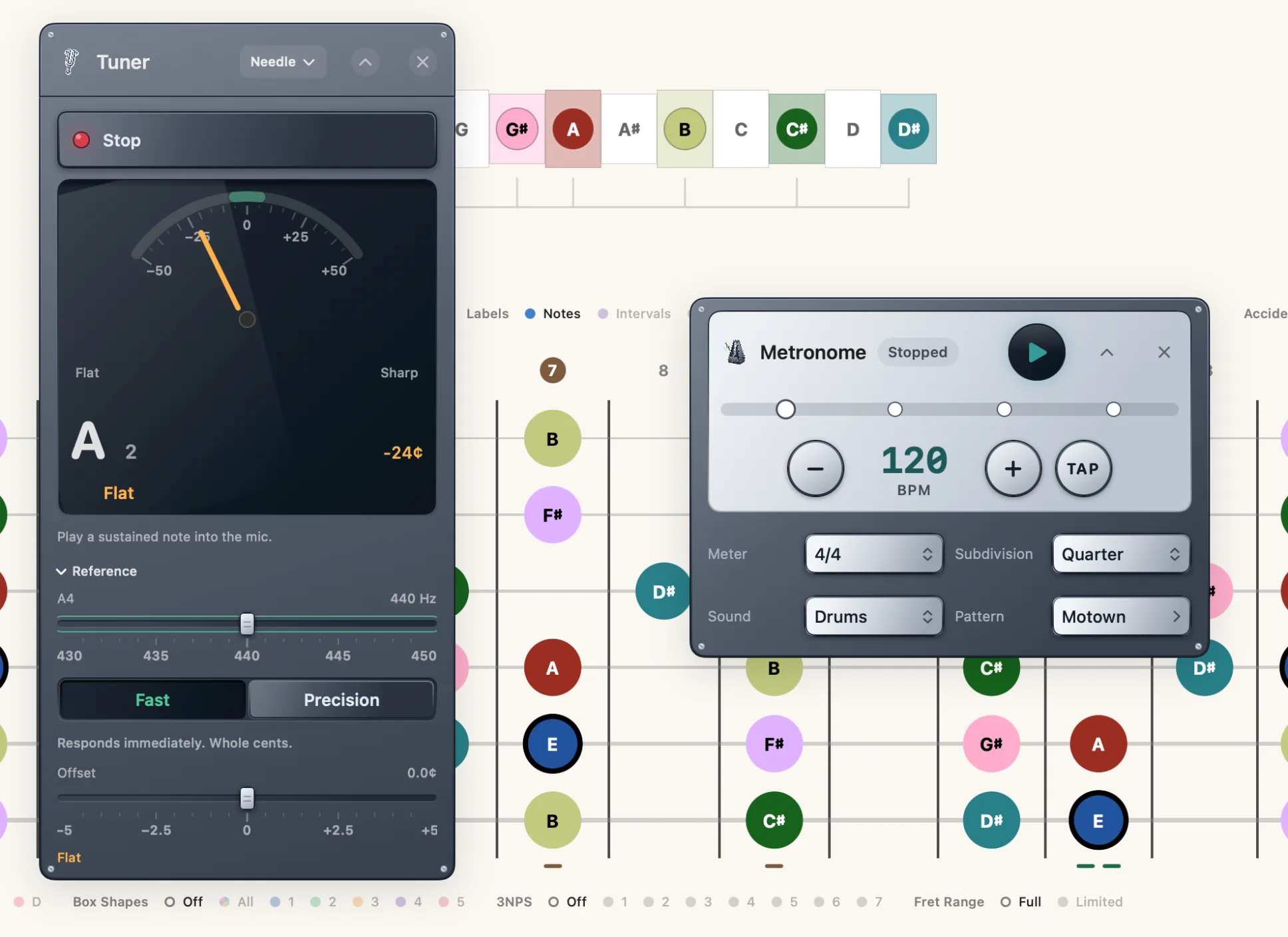
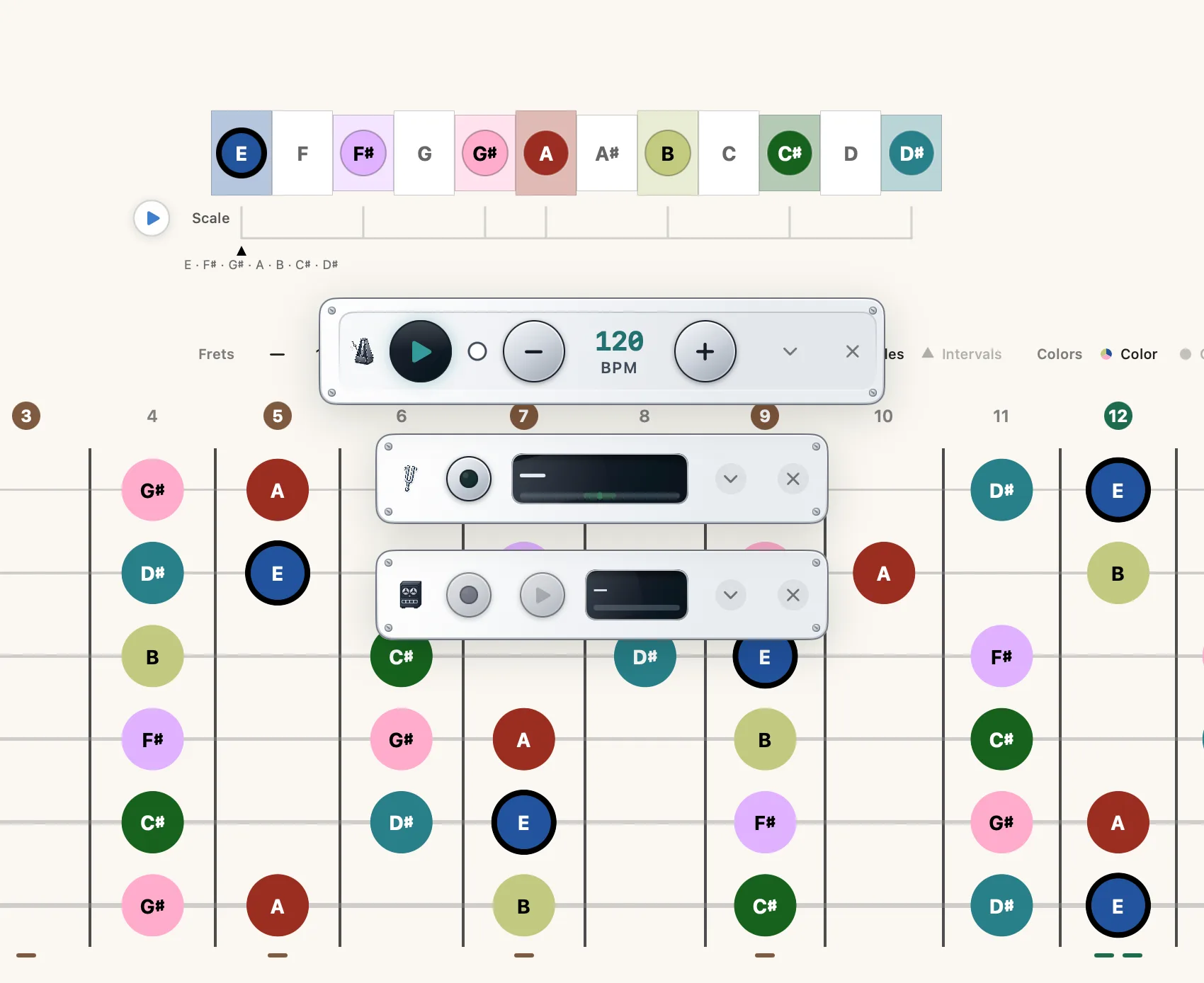
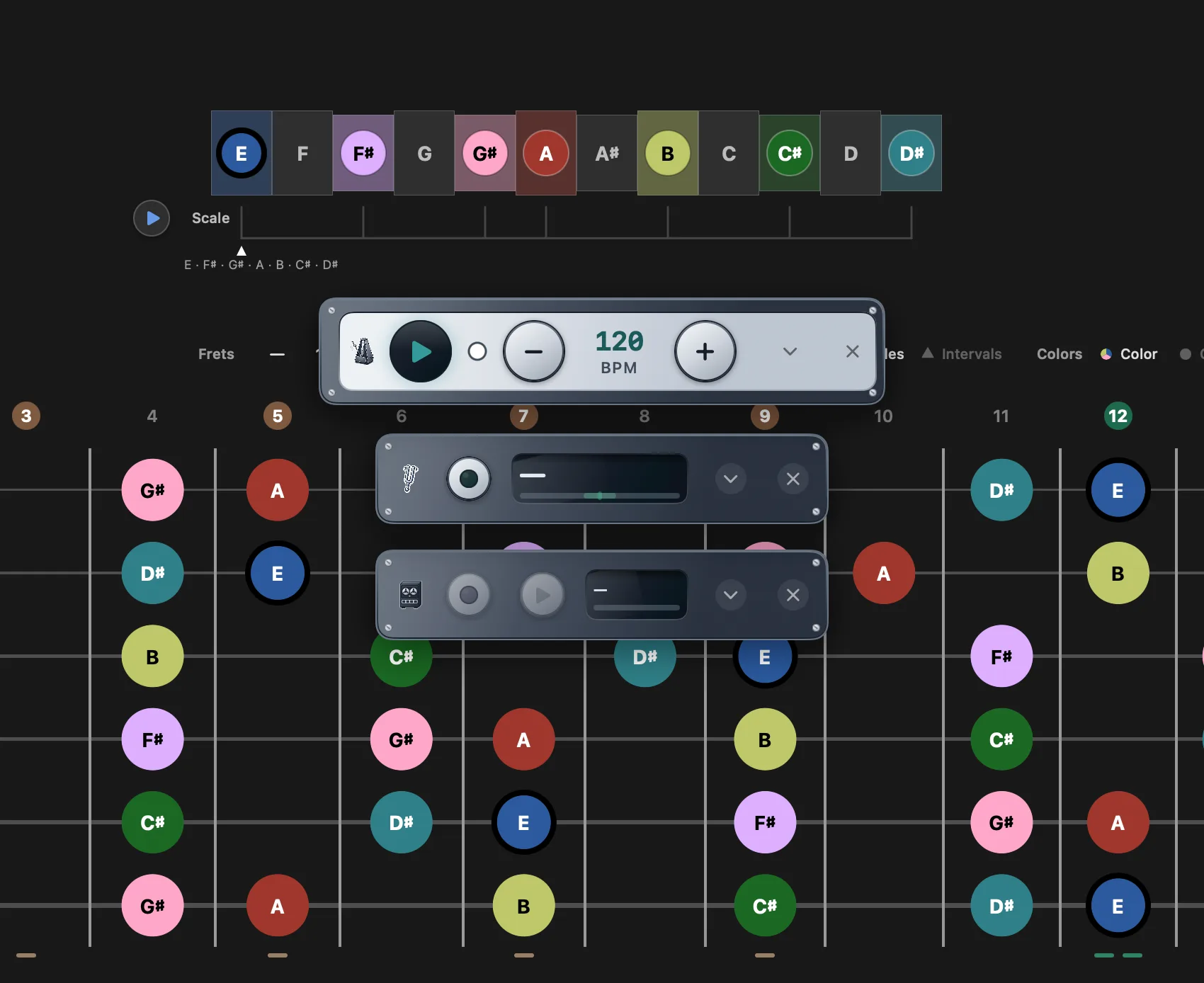
Six panels float over the neck — these five and the amp above. Each one drags where you want it, folds to a one-row strip that keeps working, and remembers where you left it.
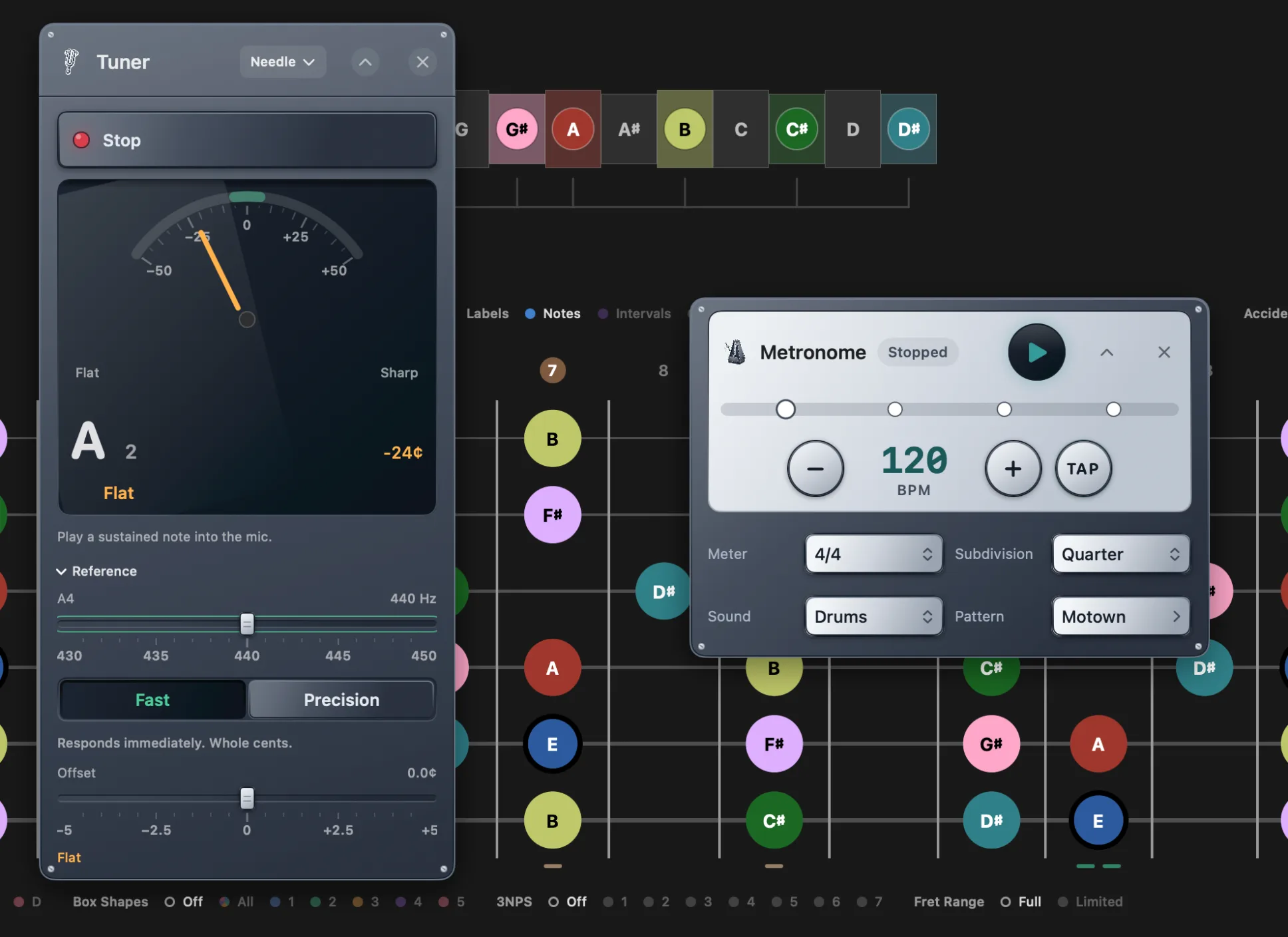
- Tuner — chromatic, to within 5 cents, free. Precision tuning to half a cent, with the Trace, Strobe and Disc displays, is Pro
- Metronome — 40 to 250 BPM, eleven meters, five subdivisions, tap tempo and three click sounds, all free.
- Drums — a recorded acoustic kit with 61 beats in four sections and a step sequencer to edit them. Pro
- Mixer — a fader for every voice: notes, chords, the click, the amp and the loop.
- Live Detect — Fretling listens and names what you are playing as you play it. Pro
Two finishes, Machined and Studio, or let them follow the theme. The space bar starts and stops the click and the loop together. More about the practice tools
Guitars played, not played back
Nylon, Steel, Jazz and Clean Electric are not recordings. Every note is a string computed while you hear it: a digital waveguide that loses its high partials faster than its fundamental, the way a real string does, with a little stiffness so its overtones sit slightly sharp.
Six strings share one bridge, so the open strings ring along with the one you pluck. Where you pluck changes the tone, and how hard darkens or brightens it. Nylon and Steel pluck through a body taken from recordings of real guitars; the Clean Electric has a neck pickup instead.
With the amp listening, the Clean Electric plays through it, into the same Neural Amp Modeler profile as your own guitar. Pro
- 6strings, coupled at one bridge
- 4guitars: nylon, steel, jazz and clean electric
- 0.35¢worst pitch error the tests measure
- 27 MBsmaller than the samples it replaced
A piano that rings in sympathy In testing
A sampled grand still plays every piano note. What a sample cannot carry is the rest of the instrument answering, so the piano body adds it underneath: the top strings, which have no dampers, ring in sympathy with whatever you play, and so does every key you hold down. Let a key go and its felt lands with a soft thump.
There is no table of overtones behind it. Each note you strike drives modeled strings, and they resonate wherever their harmonics line up with it, so the bloom follows the harmony rather than a recipe.
It sits well under the grand, felt more than heard, and only under the grand: the electric pianos stay dry.
- 16held keys that ring along
- F6–C8strings with no dampers, always free
- 18 dBunder the piano, to color it without covering it
- 3places it plays: notes, chords and progressions
A harmonic bed that moves In testing
Sustain a chord or play a progression and the layers under it stop being a fixed mix. Fretling reads where you are in the bar, where you are in the phrase, and what the harmony is doing — at home, moving away or pulling back — and folds the three into one energy.
As the energy rises, pads recede and darken, strings come forward, and a choir comes in once a phrase has opened. When a dominant resolves home, the energy dips with it. A piano or organ layer holds still.
Under the layers sits a synth pad: detuned saws through a filter that opens with the energy, each note drifting slowly against the others so a held chord never quite sits still. Warm, Glass or Dark.
Movement is a setting — Off, Subtle or Full — and it starts Off.
- 3things it follows: the bar, the phrase, the harmony
- 20×a second, the mix is redrawn
- 2½octaves the pad's filter opens, at most
- 3pads: Warm, Glass and Dark
A tuner with a strobe inside
Tuning happens in two stages. A pitch tracker names the note from 85 milliseconds of sound. Then a phase vernier — the digital form of a mechanical strobe — watches the waveform's phase drift against the target and measures the difference to hundredths of a cent.
Fast mode reads to the whole cent about 24 times a second, and it is free. Precision mode listens to a held note for about a second and reads to a tenth of a cent, in tune within half a cent. Pro
Even the clock is checked. A tenth of a cent is 58 parts per million, and an interface's clock can be off by that much, so after 30 seconds the tuner measures yours against the system clock and corrects for it.
Live Detect hears chords with the same care: a filter on every pitch from E2 to E6, with each note's harmonics peeled away, so the overtones of a low E never turn E minor into E major. Pro
- 0.1¢readout, in Precision
- ±0.5¢counts as in tune, in Precision
- 85 msof sound to name the note
- 30 suntil the clock is calibrated
Make it yours
A bar above the neck carries the four decisions you change most often: Labels (note names, interval numbers or nothing), Shapes, Colors and Accidentals. They are chips beside the fretboard, not settings buried in a sidebar.
- Show 12 to 22 frets, and slide a position window along the board.
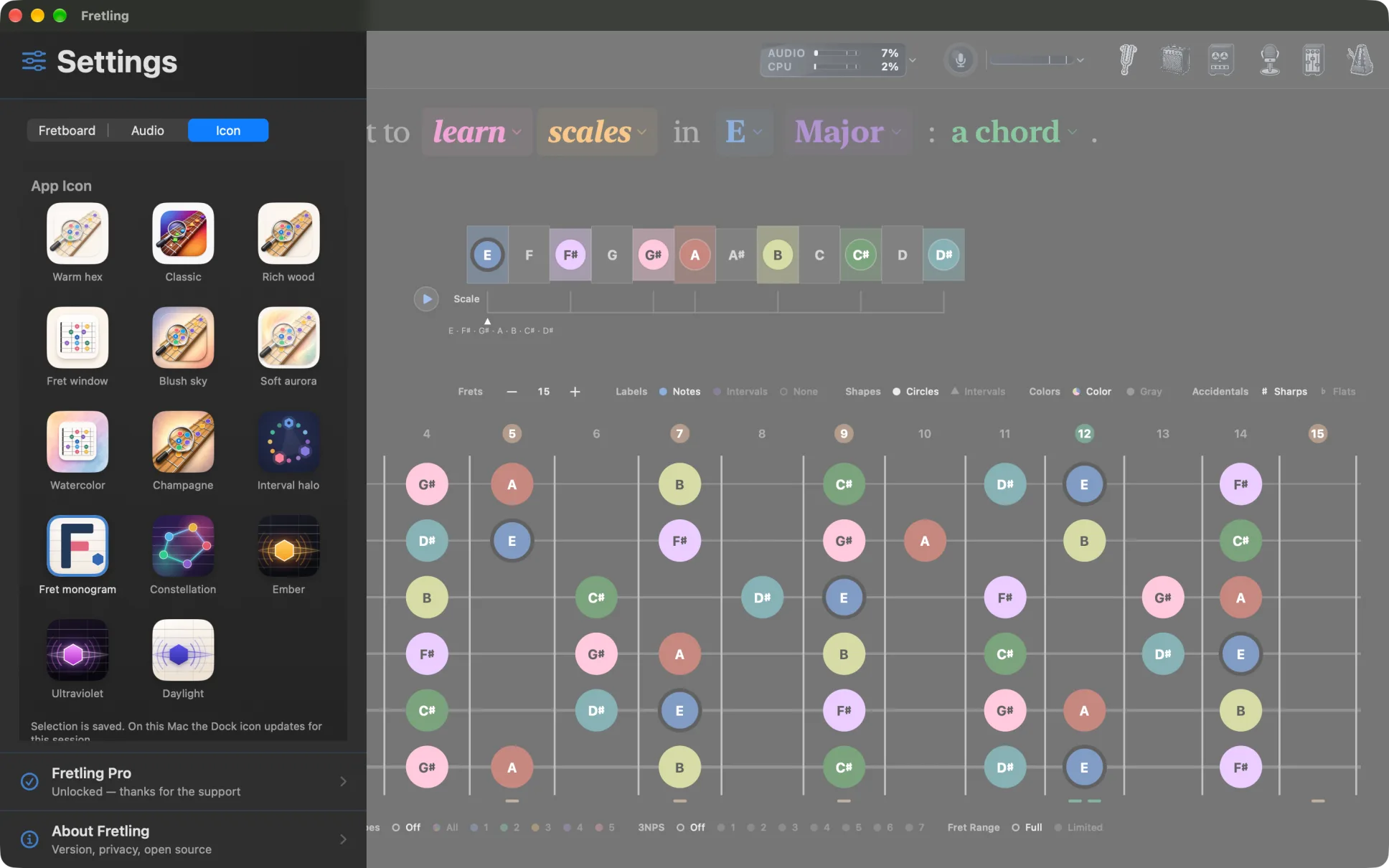
- Light and dark, following the system or pinned.
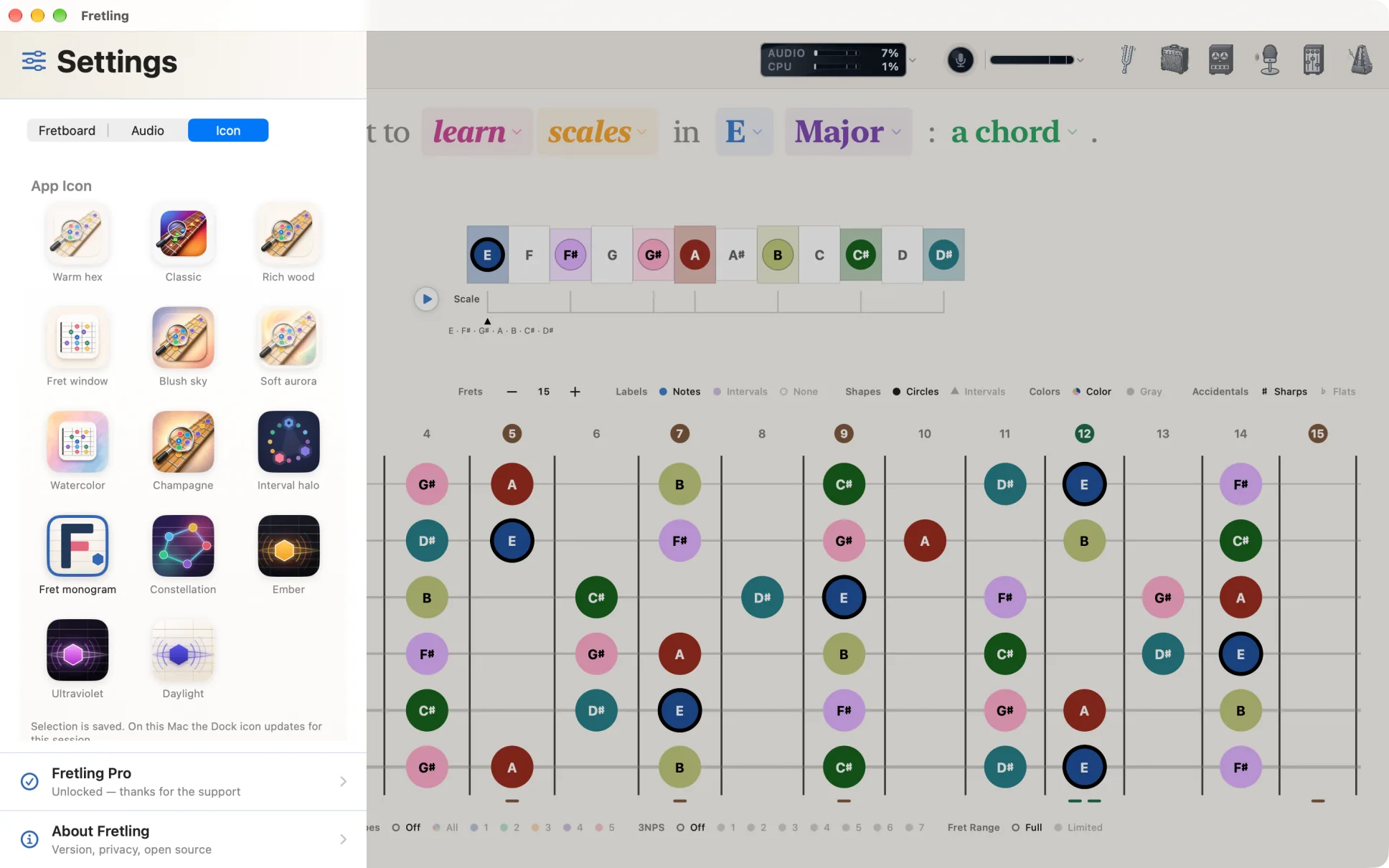
- 14 app icons.
- English and Latin American Spanish throughout, including this site.
Coming next
Built, and in testing on TestFlight now. None of it is in the App Store build yet: each piece ships when it is ready, and this list changes as it does.
- Progressions — build a progression, play it in time with rhythms and arpeggio patterns, and watch each chord land on the neck.
- Arpeggios — a sixth learning mode: triad and seventh-chord arpeggios, and the scale in broken intervals, in groups and in cells, graded by Live Detect as you play.
- Pivot — “I want to pivot on E”: every chord that holds one note, from triads up to thirteenths, with the note's role in each.
- Improvise — “I want to improvise over a progression”: the scale to solo with, then a ladder from one scale to playing the changes, with the next chord shown a beat early.
- The piano body and the harmonic bed — sympathetic strings under the grand, and chord layers that move with the music.
- Mixer effects — an EQ that shows the signal, a compressor drawn as its curve, a reverb send on every channel, and speaker cabinets for the amp.
- Saved loops — keep a take as a named phrase and bring it back at its own tempo and meter, or export it.
- An iCloud library — the amp models and cabinets you import, kept in a Fretling folder in iCloud Drive.
- iPhone — planned, and not in testing yet.
Platforms and requirements
| Platform | Requirement |
|---|---|
| Mac | macOS 15.4 or later. The window opens at a minimum of 1000 × 760 points. |
| iPad | iPadOS 18.6 or later, in landscape. |
| iPhone | Not yet. The layout is built around a wide neck; an iPhone version is planned but not shipped. |
| Audio interface | For the amp and the looper: an interface (USB-C on iPad) or headphones. Everything else works through the built-in speakers. |
Free for good. Pro is the deep end.
What's free
- Scales, Chords and Triads in every key
- Major, Minor, both Pentatonics and Blues
- The Chord Atlas, borrowed harmony included
- Identifying a chord from notes you tap on the neck
- CAGED, Box Shapes, 3NPS and chord shapes
- Tap-to-play, scale and chord playback, six voices
- The chromatic tuner in Fast mode
- The metronome, its meters, subdivisions and click sounds
- The mixer, both themes, all 14 icons, both languages
What Pro adds
- Seven advanced scales — the modes, Harmonic and Melodic Minor
- Precision tuning to half a cent
- The Trace, Strobe and Disc tuner displays
- The drum library and its step sequencer
- The Neural Amp Modeler amp
- The looper
- Live Detect, and identifying a chord by ear
One purchase, once — no subscription. Try Pro free for 14 days; when the trial ends Fretling returns to the free tier and every setting you chose stays where it is. The unlock covers every Mac and iPad signed into your Apple Account, and supports Family Sharing. Nothing that is free today moves behind the unlock later, and the tip jar in About unlocks nothing at all. The full comparison
Coming soon to the App Store — Mac and iPad Get Fretling on the App Store Tell me when it ships
Private by default
Fretling runs entirely on your device. There is no account to create, no analytics, no tracking and no cloud sync — what you set up stays on the Mac or iPad you set it up on.
The microphone is used by exactly three things: the tuner, Live Detect and the amp. Audio is analyzed as it arrives and is never recorded, stored or sent anywhere, and the microphone is only open while one of those is. The privacy policy